
We are always looking for ways to increase our productivity. This example uses IFTTT to make Calendar Appointments for your Incoming and Outgoing calls. Once the appointments are created in your Google Calendar, they will synchronize via MRSware Sync into MRSware. Once that appointment is recorded in MRSware, there are many uses, including:
Show the Last Activity in the Customer Listing, allowing you to sort or filter to find high value customers that you might have missed talking to recently or after a large order.
Run a Sales Activity Report for you manufacturer to let them know how busy you've been, not just with in-person visits but the amount of time you spend on the phone with customers or end users.
Review previous appointments and notes before going into a customer, for a refresher on what you talked about last time.
The Setup
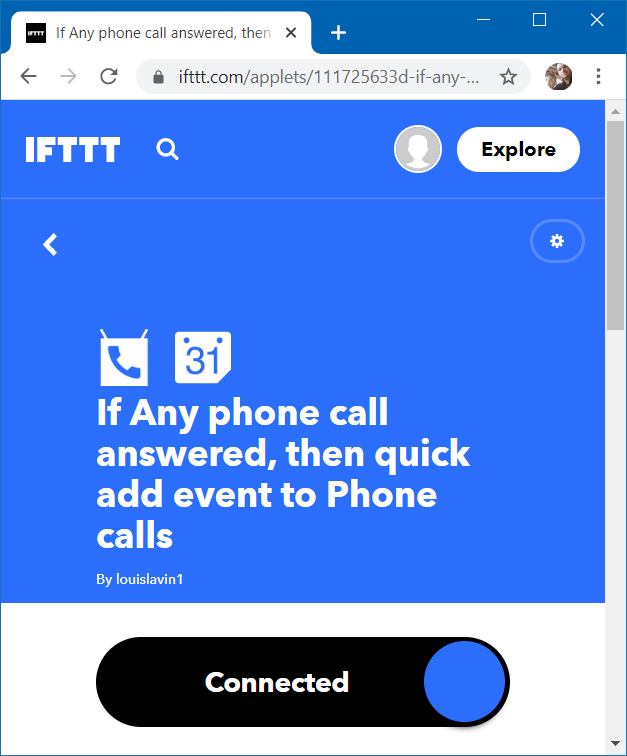
To set this up, go to ifttt.com and create an account. Press the Explore button and search for "phone call". You will see many options of what you can do when an incoming or outgoing phone call is placed. The one we are talking about here is both adding an event for incoming calls answered and outgoing calls placed.
Recommendation
Not all calls are work calls, certainly. What I do is have all calls places in a calendar called "Phone calls". I then review the calls that were work related, add notes, and move them to my work calendar that synchronizes with MRSware. This way I don't have all my personal calls logged to my work calendar, and also remind myself to add a note about the conversation.
Wrap Up
IFTTT is a nice -- and free -- tool to automate your work day. Give it a try and let us know if you come up with a handy way to automate yours.