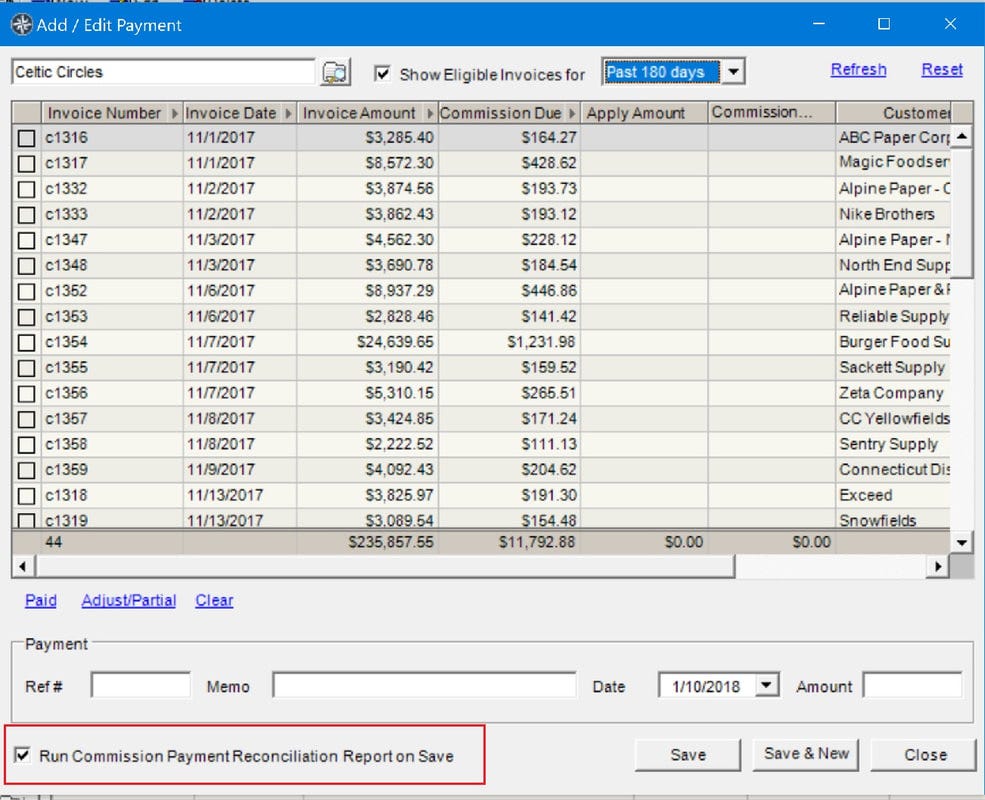
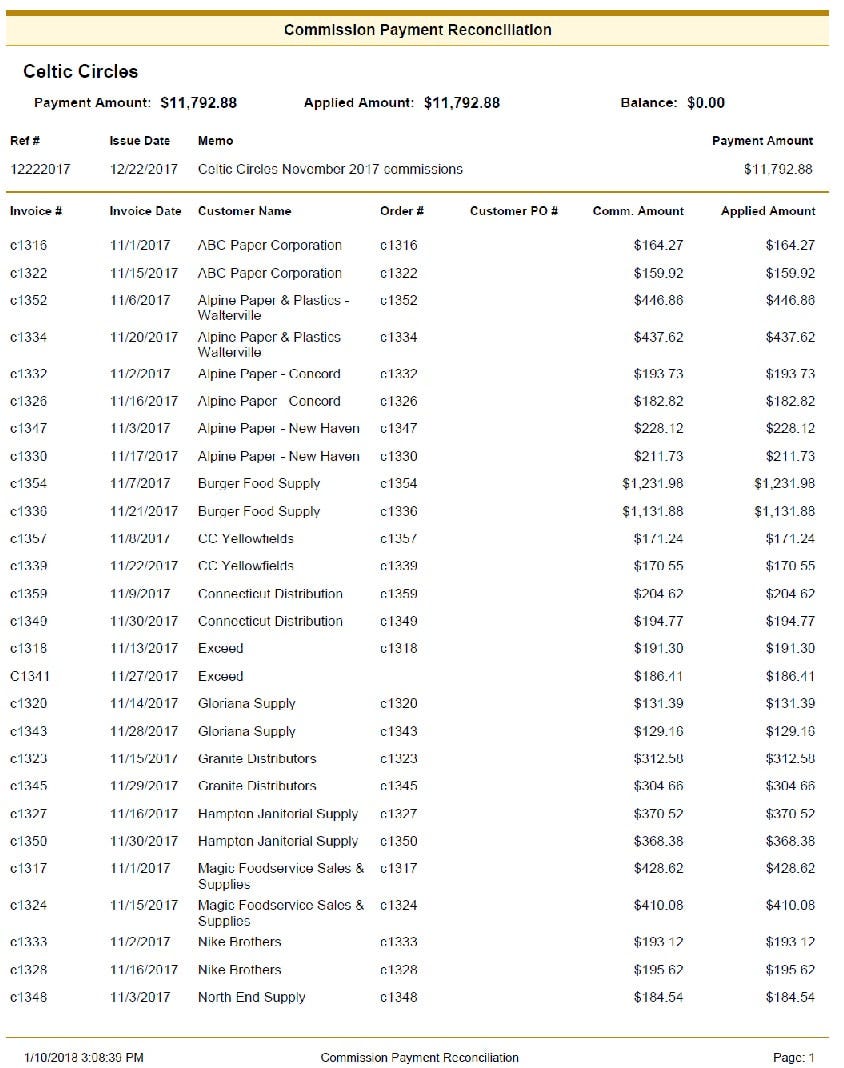
When making a payment in Payment Entry, you can choose to run a Commission Reconciliation report showing the invoices paid. Click the checkbox "Run Commission Payment Reconciliation Report on Save" (see screenshot below left) and click "Save". The report opens automatically (see screenshot below right).
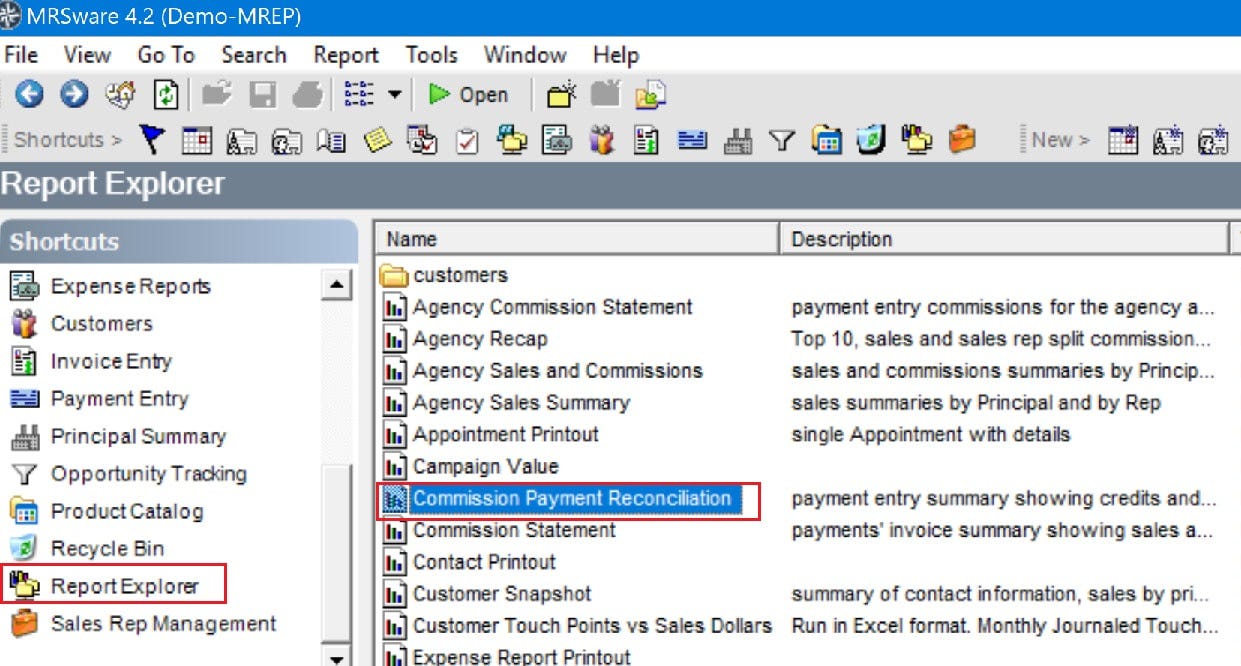
If you forget to check the checkbox and save your payment, you can still run the report by going to the Shortcuts panel. Click on "Report Explorer", then select "Commission Payment Reconciliation" (see below).
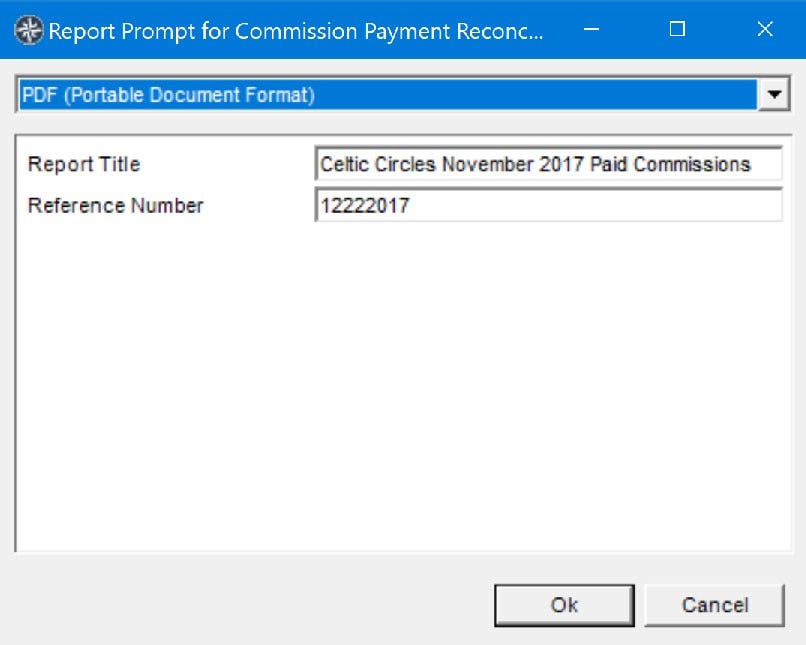
Once the Report Prompt opens, enter the Title of the Report and the Payment Reference number and click "Ok".
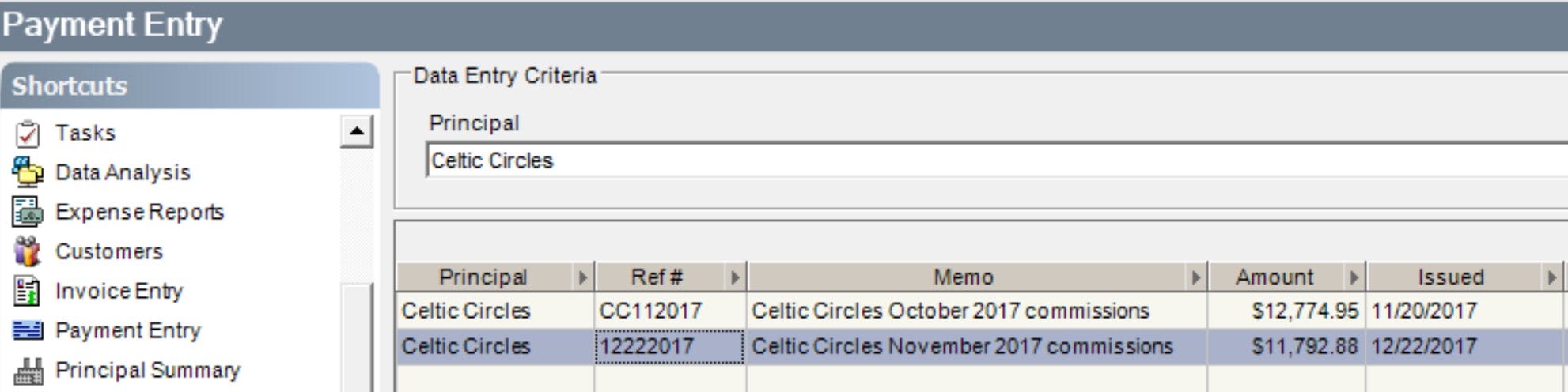
If you've forgotten the payment reference number, go to the Payment Entry table to find the number.