MRSweb - Lesson 11.1 Projects - Edit Project | MRSweb Online Training
← Back to Web Training Curriculum Hub
Lesson 56 of 69
Lesson 11
Chapter 1 - Edit Project
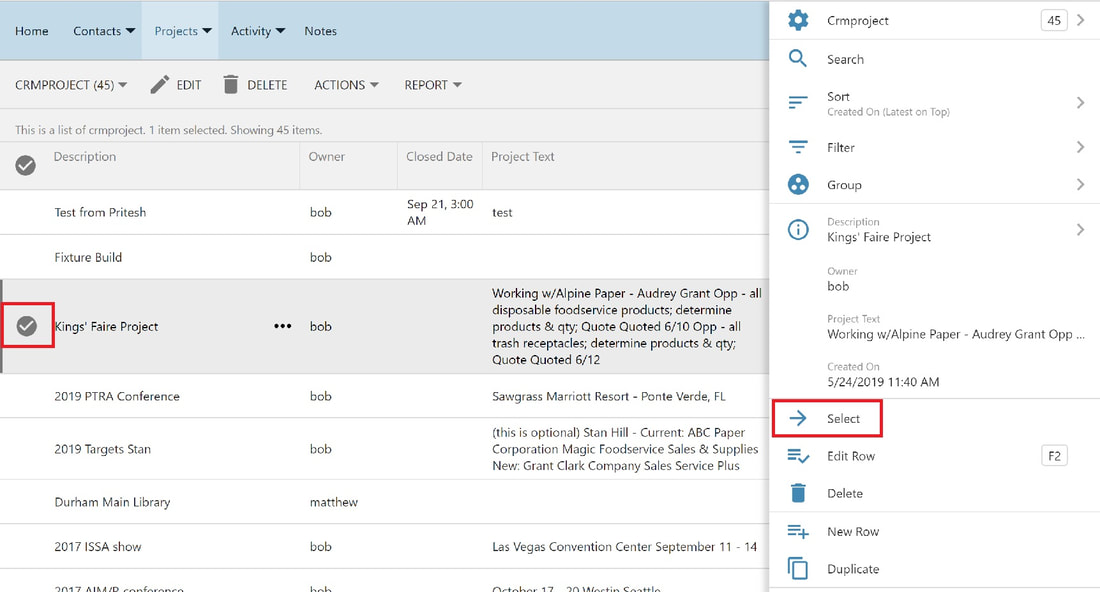
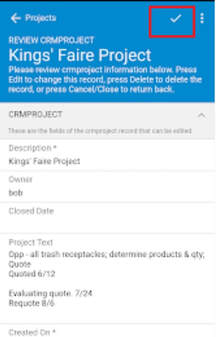
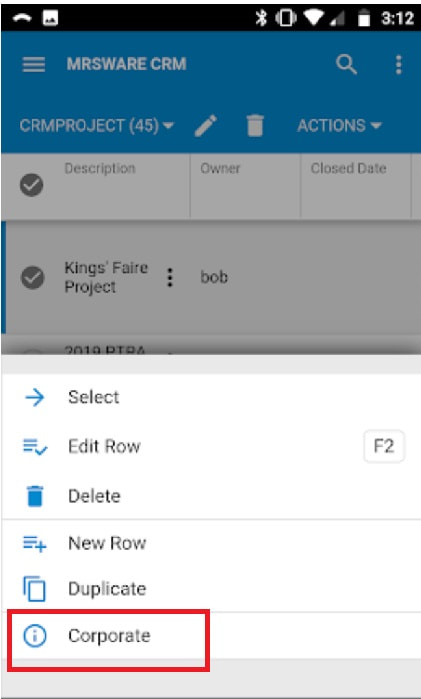
Here's how to edit a current project:
i - As in the MRSware desktop client there is more than 1 way to edit a project
Desktop options
Chapter 1 - Edit Project
Here's how to edit a current project:
i - As in the MRSware desktop client there is more than 1 way to edit a project
Desktop options