
Getting Started & Progressive Web App (PWA) Setup
Accessing MRSweb
MRSweb is accessible from any modern web browser by navigating to your firm's encrypted web portal URL (e.g. https://web.mrsware.net). Enter your firm domain, username, and secure password to log in.
Installing MRSweb as a Progressive Web App (PWA)
You can install MRSweb to your mobile phone or tablet home screen so it behaves like a native mobile app with full-screen view and quick app icon access.
1. Open Safari and navigate to your MRSweb URL.
2. Tap the Share button (box with upward arrow) at the bottom.
3. Scroll down and tap "Add to Home Screen".
4. Tap Add in the top right. MRSweb will appear on your home screen with its custom app icon.
1. Open Chrome and navigate to your MRSweb URL.
2. Tap the three vertical dots menu in the top right.
3. Tap "Install app" or "Add to Home screen".
4. Confirm by tapping Install.
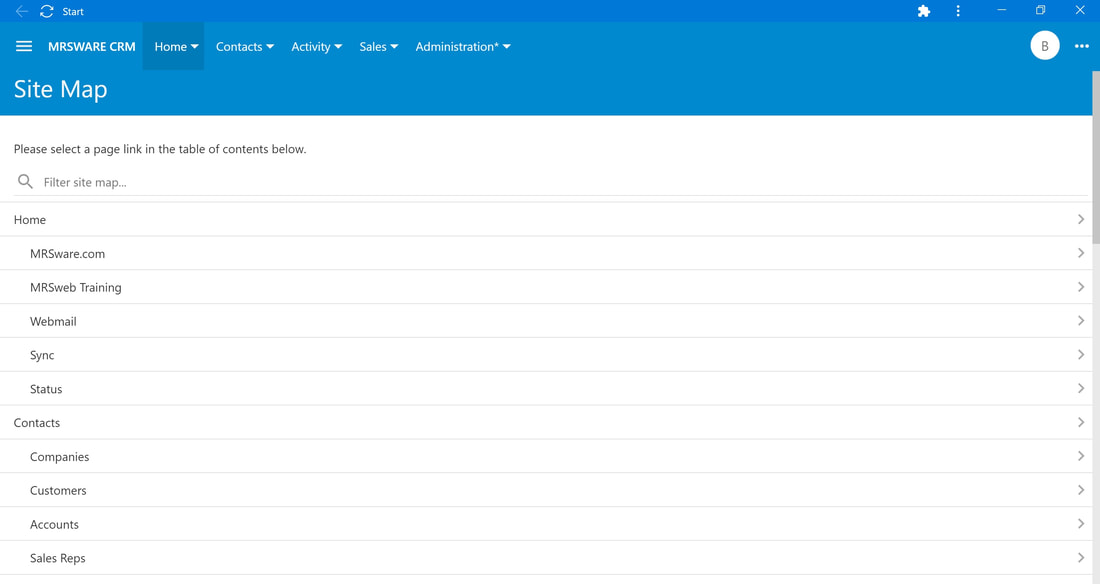
Multi-Tab Workflow in Modern Browsers
Unlike the Windows desktop client which uses multiple inner windows, MRSweb leverages browser tabs. You can right-click (or long-press on mobile) any company, contact, opportunity, or invoice to open it in a new browser tab without losing your active search or journal entry.