
MRSweb - Lesson 1.2 - Login to Existing Account | MRSweb Online Training
← Back to Web Training Curriculum Hub
Lesson 4 of 69
Lesson 1
Chapter 2 - Login to an Existing Account
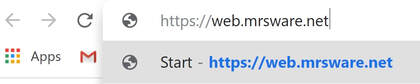
To login to your MRSweb account you go to your web browser and enter "https://web.mrsware.net"
! You will always use the above URL when logging into MRSweb. We suggest you add a shortcut to your Home screen.
Chapter 2 - Login to an Existing Account
To login to your MRSweb account you go to your web browser and enter "https://web.mrsware.net"
! You will always use the above URL when logging into MRSweb. We suggest you add a shortcut to your Home screen.
1. Tap or click "Sign in to access the protected site content"
2. Tap or click the "Login" button

This will open the Account page.
3. Tap or click your account name
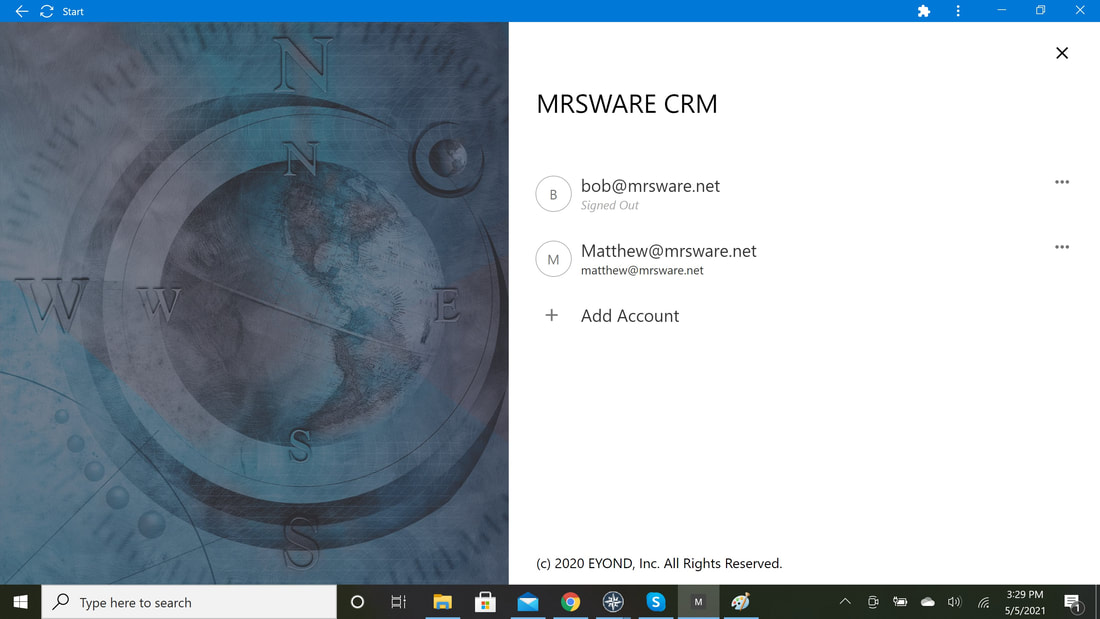
This will open the Login dialog.
4. Enter your User Name and Password
5. Tap or click "Login"
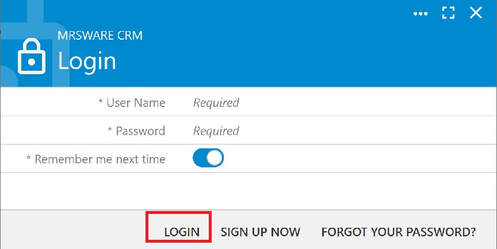
This will open your Home page.
i Depending on permissions your Home page menus may look different.
Desktop view Mobile view
