Activity lists appear in Company cards, Contact cards, Projects, and Campaigns in MRSware. These lists may contain journals, tasks, opportunities, appointments, campaigns and/or e-mails.
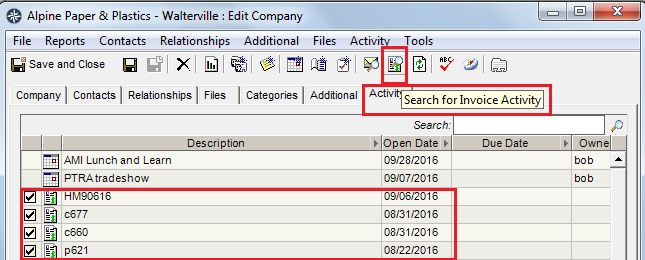
The Company card is now displaying invoices assigned to the company, in addition to all of the other touch points.
To view your customer's invoices in their Activity list:
To view your customer's invoices in their Activity list:
- open their Company card
- click on the Activity tab
- click on the Invoices icon
- the invoices will appear in the list by date
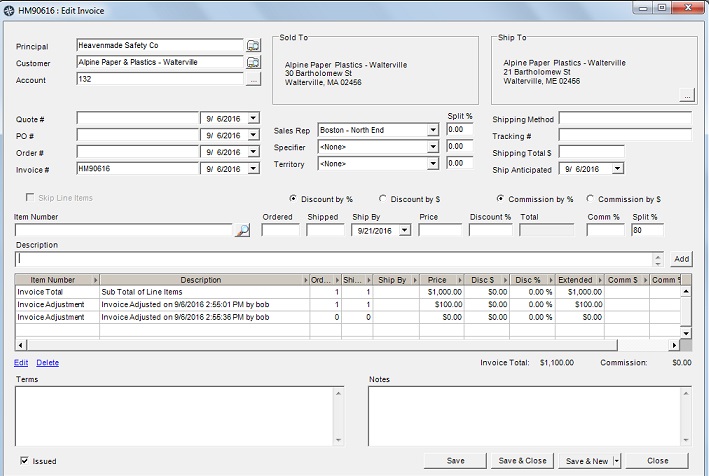
To view an individual invoice, double click on the invoice and the Edit Invoice window opens.