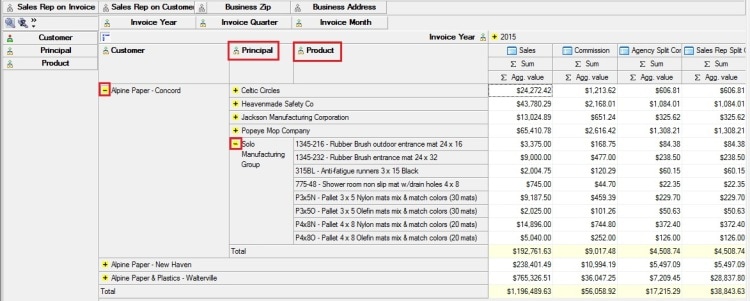
If you want to see totals - sales and/or commissions - for a company that has several branches, go to Data Analysis.
Here's how to pull up the sales totals for each branch and for the company as a whole:
Here's how to pull up the sales totals for each branch and for the company as a whole:
| 1. Open Data Analysis | 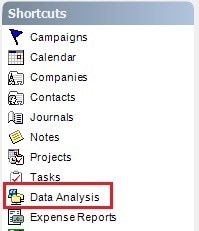 |
| 2. Select an analysis cube (in our example we're selecting "Sales & Commission | 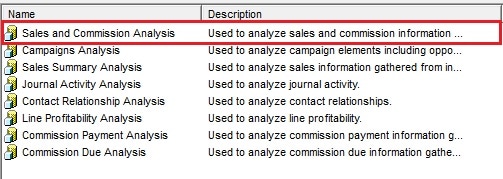 |
| 3. Select the dates in the Parameters dialog, click "Ok" | 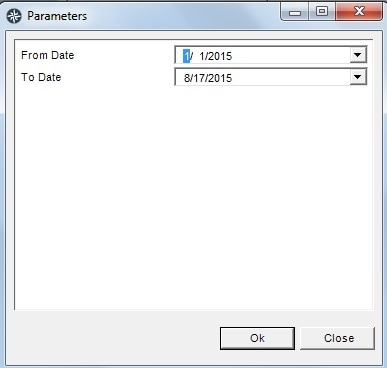 |
| 4. Click on the Dimensions "tree" to the left of Customers | 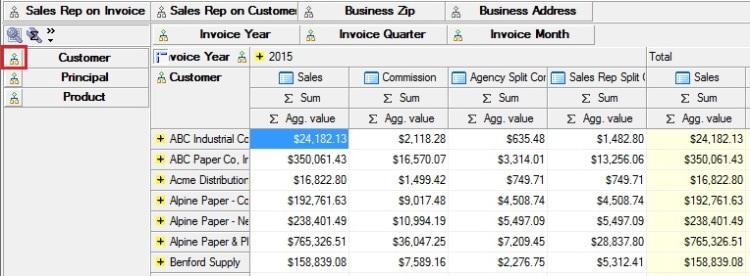 |
| 5. Click on the red x "Select None" to uncheck all of the Customer names | 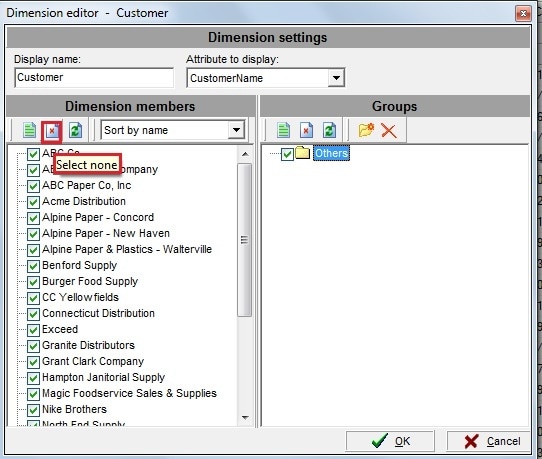 |
| 6. Check the boxes next to all of the branches for 1 company, click "Ok" | 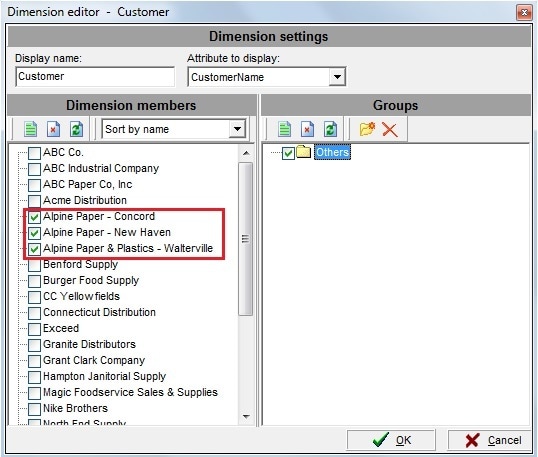 |
Now you can see the Total sales and commissions for Alpine Paper as well as a total for each branch of Alpine Paper.
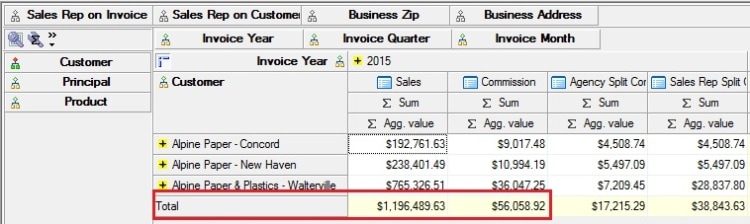
If you want to see from whom and the products each branch is buying, click on the yellow plus sign next to each branch name.