
In order to make the most of the little amount of time you have with a customer, I'm sure you review his/her activities and sales prior to your meeting. MRSware has 2 reports that provide that information.
In this post we will go over how to open a Contact Printout.
In this post we will go over how to open a Contact Printout.
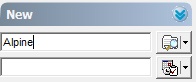
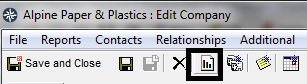
| 1. In the Quick Contact Selector, "type in the name of the Contact" you will be visiting. (In our example we use Alpine Paper as the company) | 2. Click on the Report icon in the Alpine company card. |
 |  |
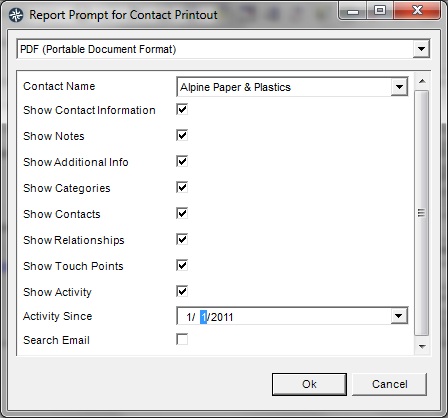
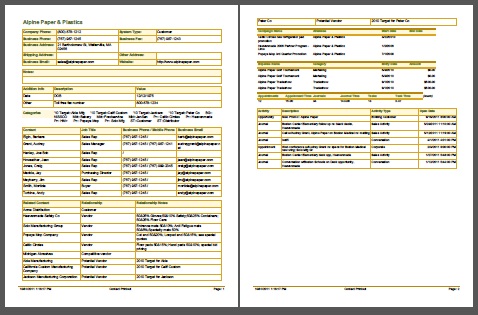
| 3. Select the date, check the e-mail box (if you have e-mails in your MRSware system), and uncheck any boxes for the information you don't want to appear in the report, and click "Ok". | 4. Print the report or send the report to yourself as an e-mail attachment, or add to your cloud storage app in order to have the information available while with your customer. |
 |  |
The other report is the Customer Snapshot. Be sure to open and review the sales numbers that have taken place with your customer.
I'm sure you've heard the old adage - "Forewarned is Forearmed" which means advance warning provides an advantage. While you may not need a warning, the more information about and knowledge of your customers you have before meeting with them will certainly provide you with a competitive advantage.