
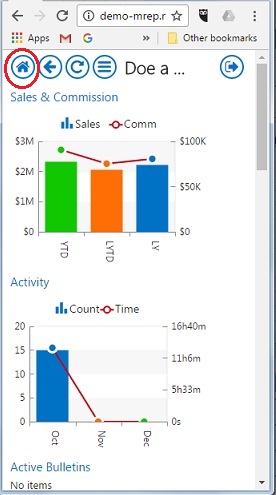
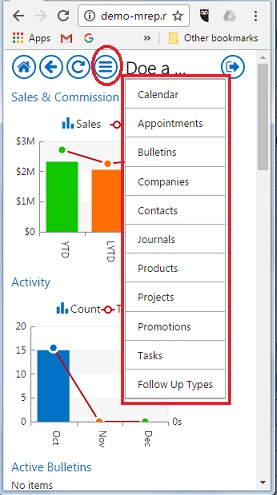
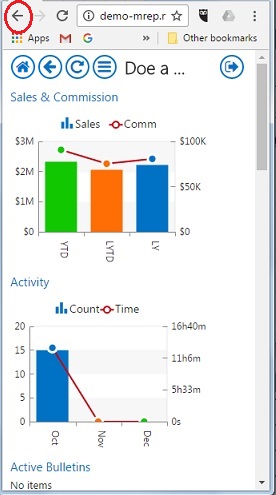
There are 3 main navigation elements in MRSweb:
| 1. The Home page icon, shown in the green circle above. Click here to return to the main application page from anywhere in the app. | 2. The drop-down Navigation menu, shown in the red circle above. Click this down-arrow icon to get the shortcuts menu, allowing for quick navigation to any of the main functional areas of the app. | 3. The web browser's Back button. Go directly to the previous page by clicking the Back button. If in a mode where the web browser's button bar is not showing, sometimes scrolling down or right-clicking in the background of the page will preset the "Back" option (depends on browser and OS). |
 |  |  |