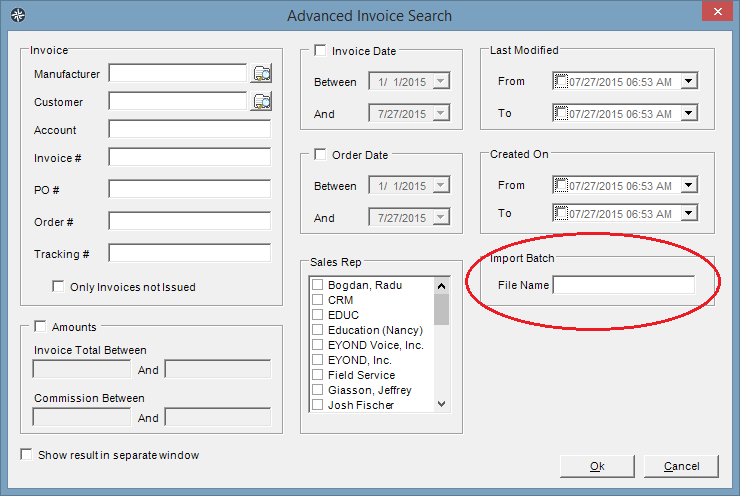
On the Advanced Invoice Search screen, Users have the ability to search for all of the invoices that were imported as part of a particular invoice import file. This allows the User to easily pull up every invoice imported as part of a file, even when those invoices could have come from different months.
Go to the "Search" menu, select "Invoices". On the bottom-right, in the "Import Batch" area, enter the file name used for the import into the "File Name" field. All invoices that were imported from a file with a matching name will be pulled up in the Invoice Entry listing.
Go to the "Search" menu, select "Invoices". On the bottom-right, in the "Import Batch" area, enter the file name used for the import into the "File Name" field. All invoices that were imported from a file with a matching name will be pulled up in the Invoice Entry listing.
Since this search is done by File Name, it is a good idea to name your files something different each month -- using the same name for an import file each month, such as just the manufacturer's name, is not a good practice. An easy way to uniquely name your import files is to just include the month and year in the file name. For example, "manufacturer name - month - year". This will make it very easy to pull up all the invoices imported with that file to check totals, etc.