MRSweb - Lesson 2.3 Navigation Icons | MRSweb Online Training
← Back to Web Training Curriculum Hub
Lesson 9 of 69
Lesson 2
Chapter 3 Navigation Icons
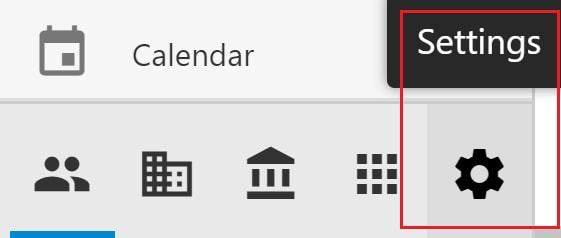
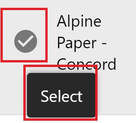
Many of the icons in MRSweb show the name above, below, or next to the icon. Some show the name when you hover your mouse over the icon.
i Terminology for these symbols varies - icons, buttons, tools - you may see the symbol called any of these terms throughout the lessons.
Chapter 3 Navigation Icons
Many of the icons in MRSweb show the name above, below, or next to the icon. Some show the name when you hover your mouse over the icon.
i Terminology for these symbols varies - icons, buttons, tools - you may see the symbol called any of these terms throughout the lessons.
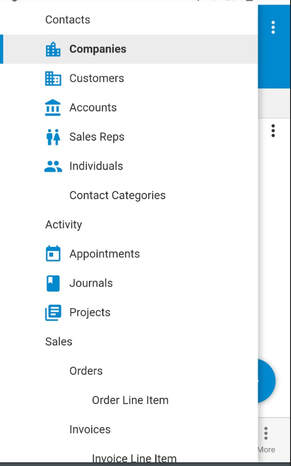
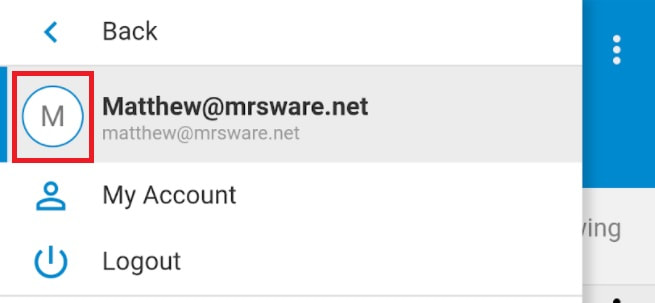
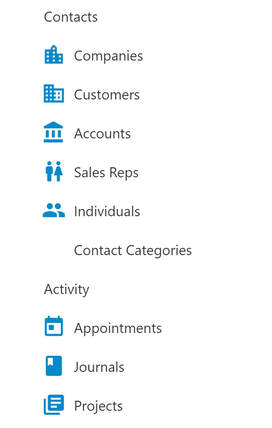
The screenshots below display some of the icons in MRSweb.
Other icons in MRSweb may need an explanation.
Here are some examples:
Here are some examples:
Hamburger button
Three horizontal lines, one on top of another, is known as a Hamburger button.
Three horizontal lines, one on top of another, is known as a Hamburger button.

On a mobile device, tap the "Hamburger" button. A toolbar slides out from the left side of the screen.